Pricing
Free forever. PRO when you need more.
Free vs PRO
| Feature | Free $0 |
PRO $5/mo · $50/yr |
|---|---|---|
| Share size per recording | 10 MB | 1 GB |
| Shared videos | 5 | 100 |
| Max recording length | 5 min | 2 hours |
| Capture quality | 720p · 30fps | 4K · 60fps |
| Watermark | Shown | Removed |
| Link password & expiry | ✗ | ✓ |
| Custom link address | ✗ | ✓ |
| Trim, blur & captions | ✗ | ✓ |
| Viewer analytics dashboard | ✓ | ✓ |
| CSV export | ✗ | ✓ |
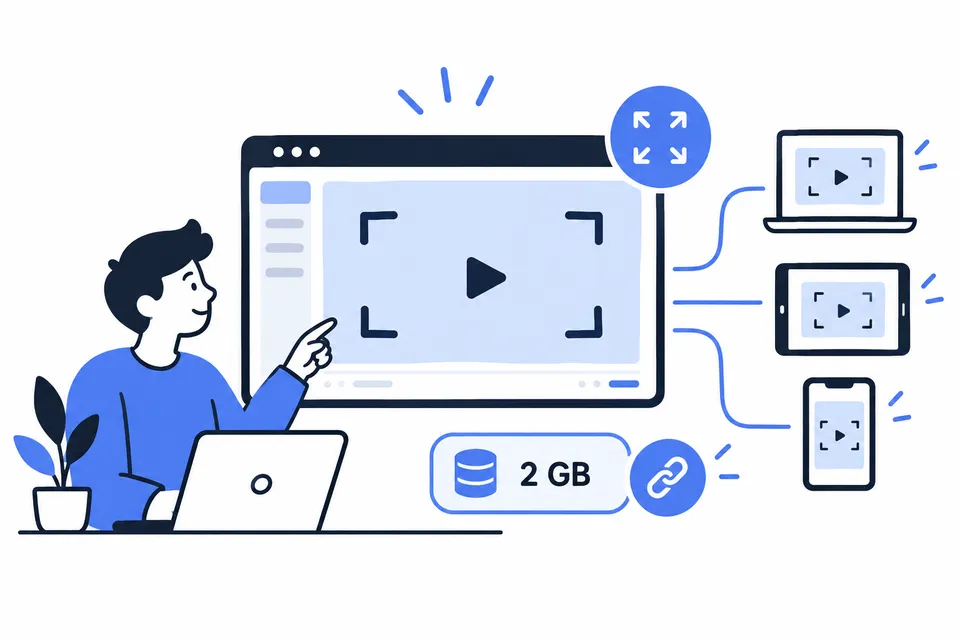
Share the whole thing
1 GB per recording and room for 100 videos means full workshops, walkthroughs, and demos go out as one link — no splitting files, no re-compressing, no "part 2" threads.
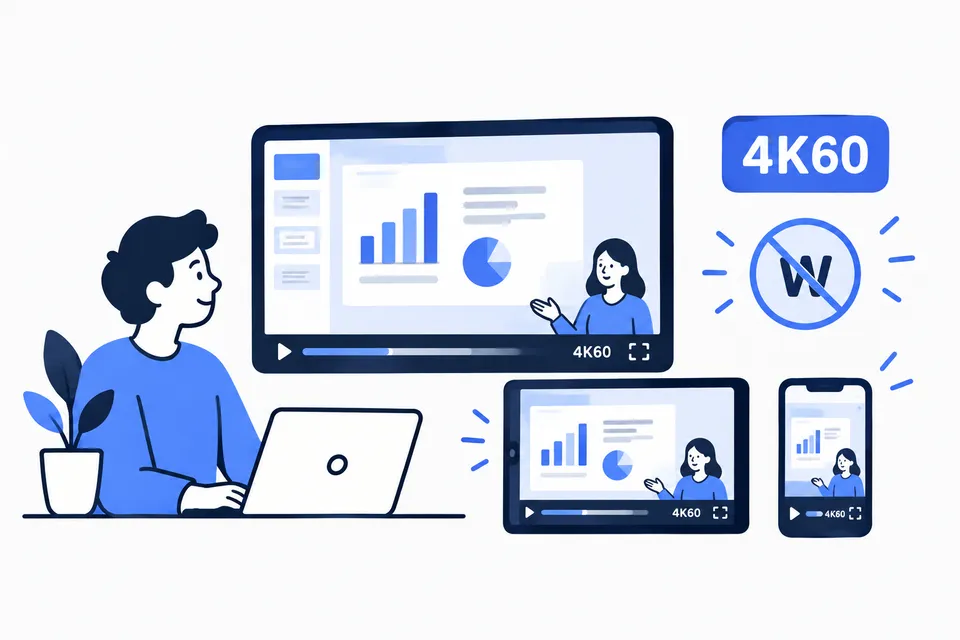
Look sharp on any screen
4K60 capture with a high bitrate keeps small text readable when viewers go fullscreen, and dropping the watermark keeps the focus on your content — not our logo.
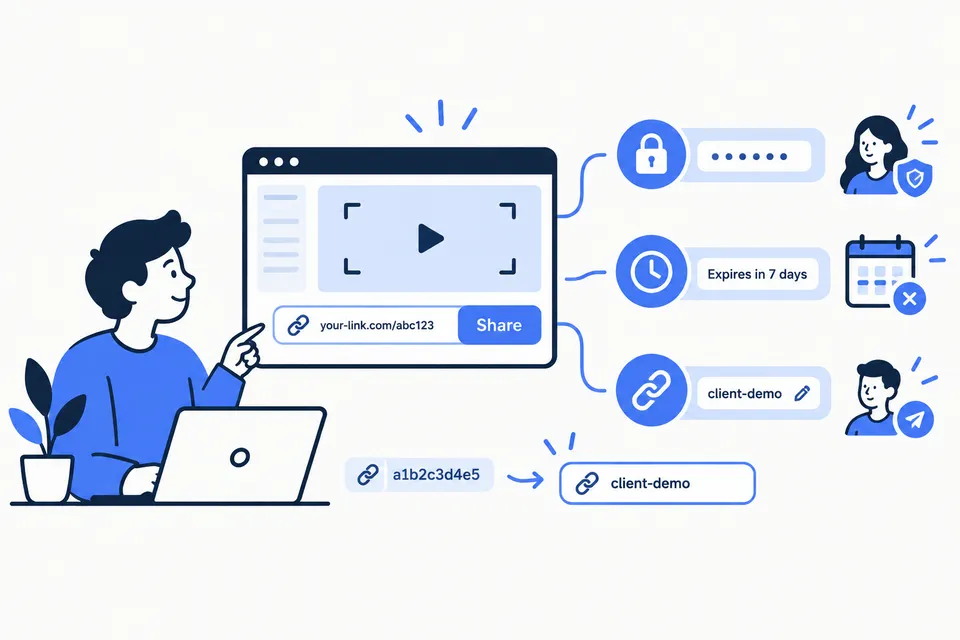
Share with control
Passwords keep internal recordings internal, expiry dates retire stale links automatically, and custom addresses turn a random token into a link worth sending to a client.
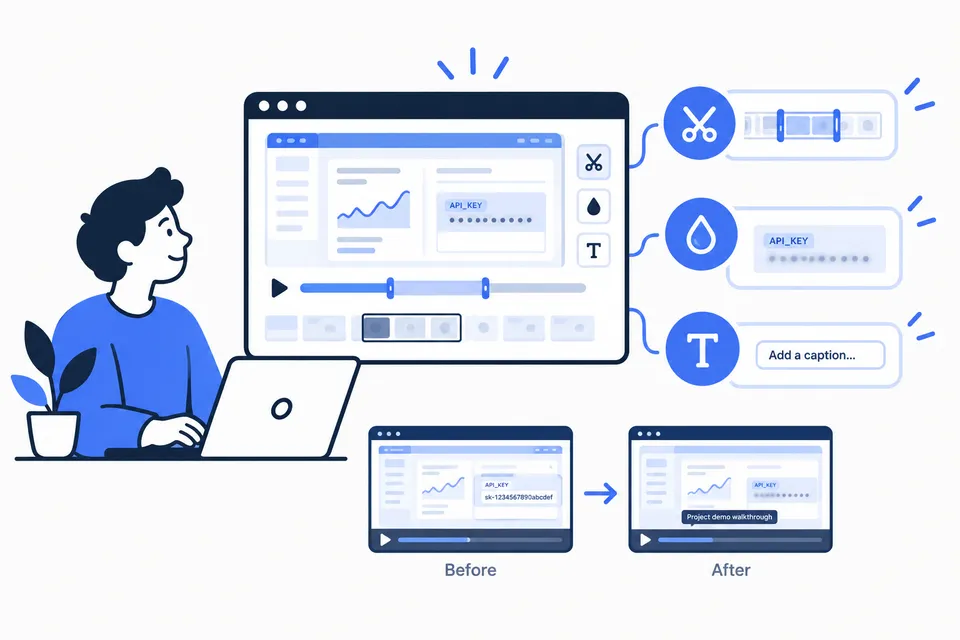
Fix it after you record
Trim the awkward start, blur an API key or a name you shouldn't have shown, and add a caption — right in your browser, no video editor to learn or install.
Record long sessions
Two hours covers the longest trainings, user interviews, and incident reviews. Free stops at 5 minutes; PRO doesn't interrupt you mid-sentence.

Prove what landed
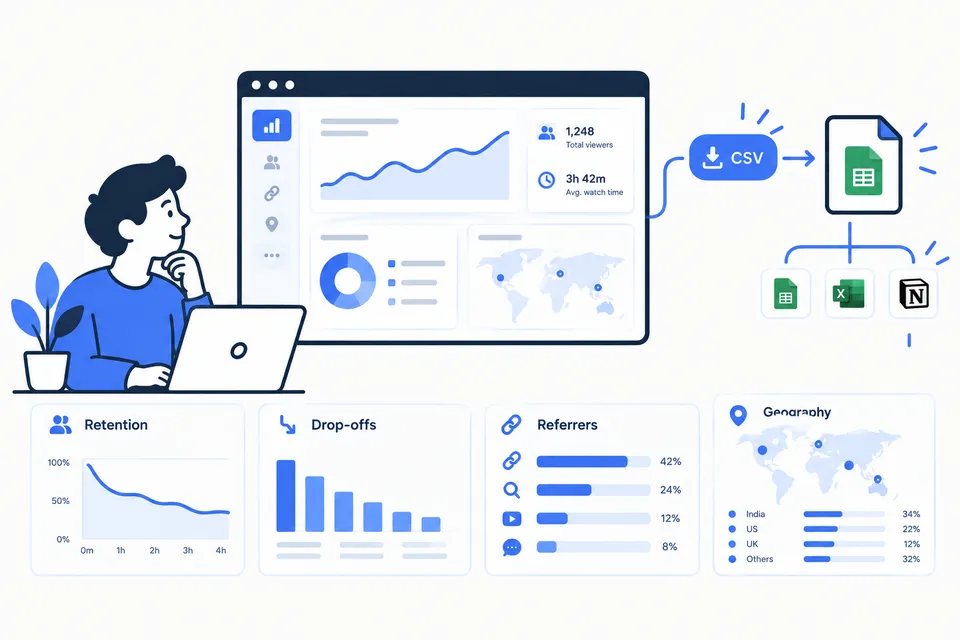
The dashboard shows retention, drop-offs, referrers, and geography. CSV export takes the raw viewer data into your own reports and follow-ups.
Get PRO
Start free — no signup needed to record. Create an account when you want PRO.
Pricing questions
- How do I upgrade to PRO right now?
- Create an account, then pay on the upgrade page or enter a coupon code. Plans grant 1 month ($5) or 12 months ($50); codes grant the same durations.
- What happens when PRO expires?
- Nothing is deleted. Your videos and links stay live; you just can't use PRO actions (large shares, link controls, editing, CSV export) until you renew.
- Can I cancel?
- Subscriptions renew automatically — cancel from your account page and you keep PRO until the period ends. Coupons don't renew, so there is nothing to cancel.
- Is the free tier really free?
- Yes — record, share up to 10 MB per video, and see viewer analytics, free forever. No credit card required.